Rent on time.Listings always true.

Stanovina Pro keeps your leases, your rent and your listings in step. Start with the listings you already have.

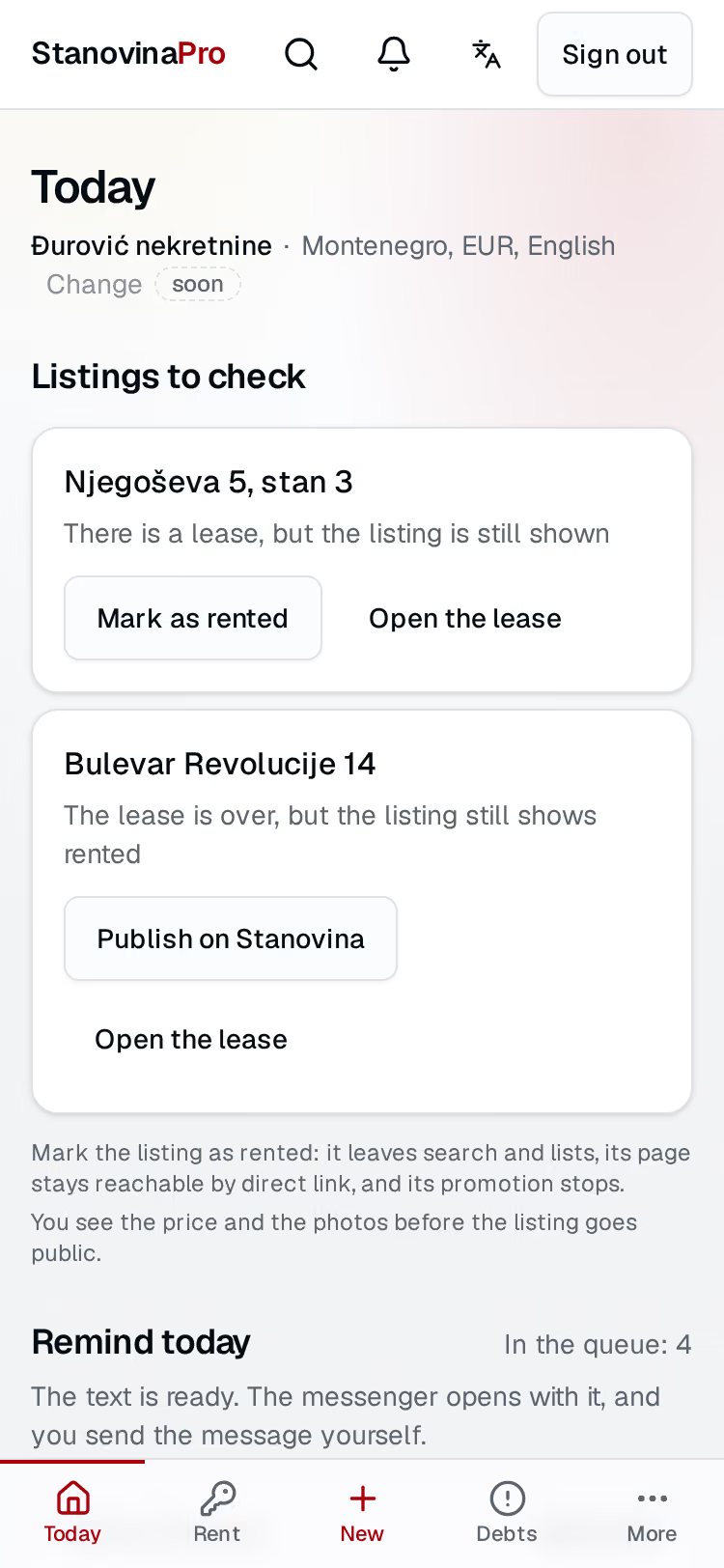
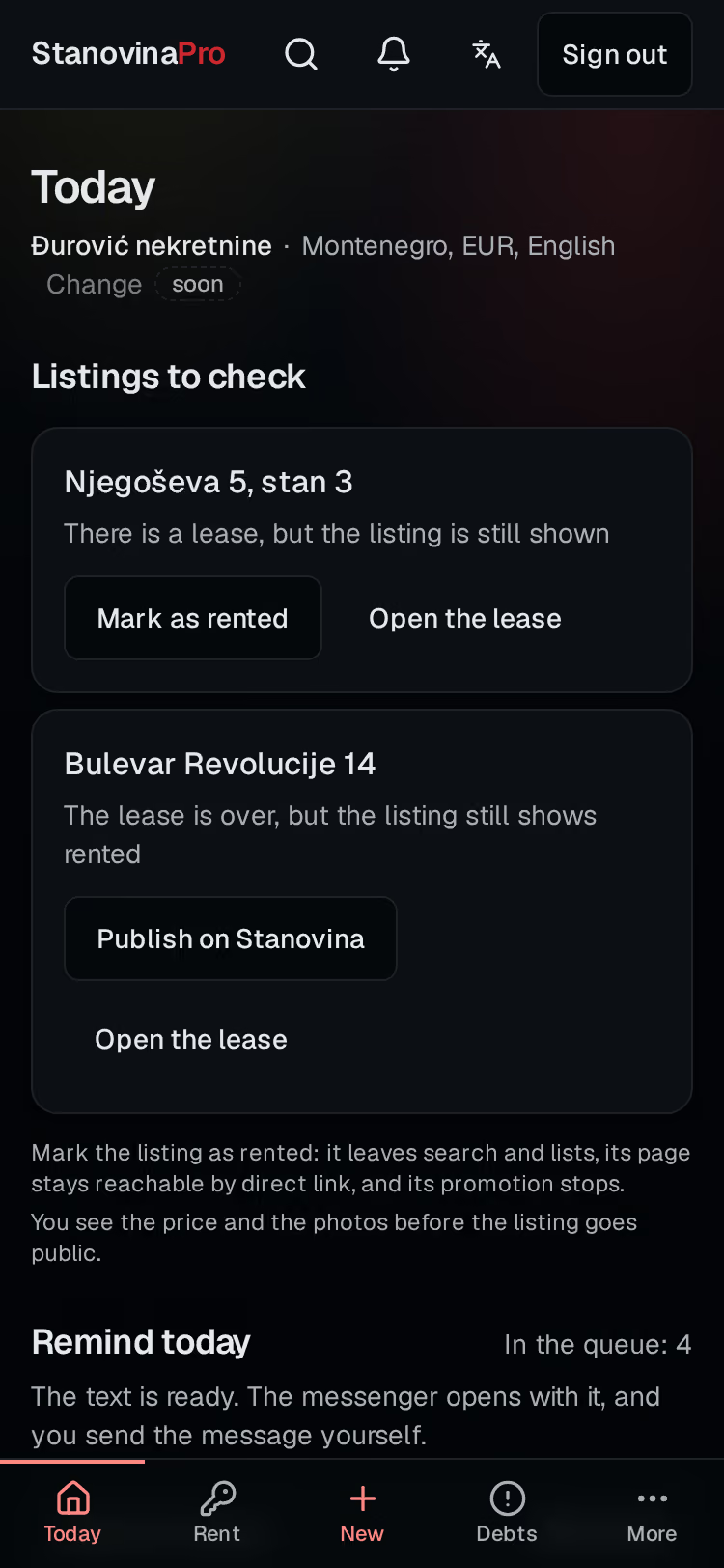
The Today screen of the workspace: late rent first, the rent received this month, and a listing that is still shown.The Today screen of the workspace: late rent first, the rent received this month, and a listing that is still shown.

How it goes today

Rent in a spreadsheet.Tenants in Viber.Deadlines in your head.With Pro, one place.Nothing to keep in your head.

Rented in one tap.

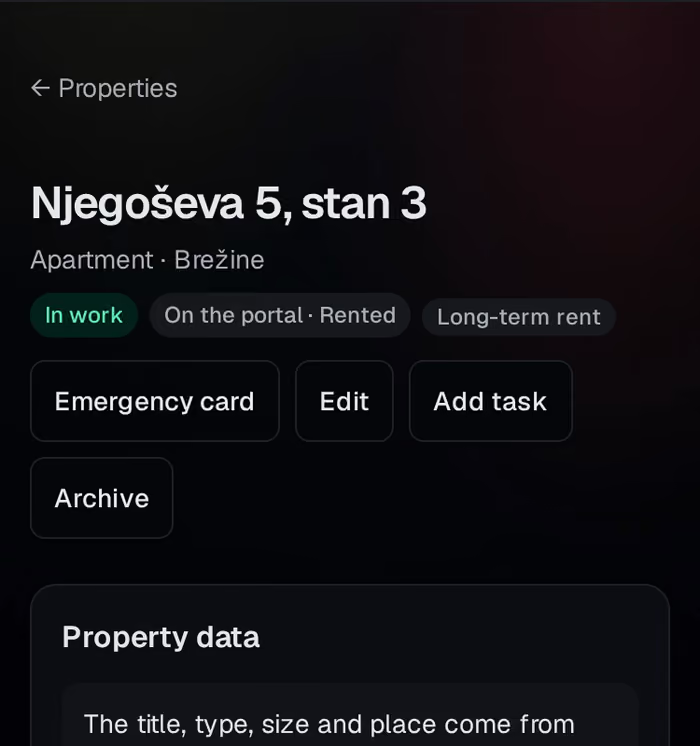
When the lease starts, Pro asks once, and the listing shows Rented and leaves search.
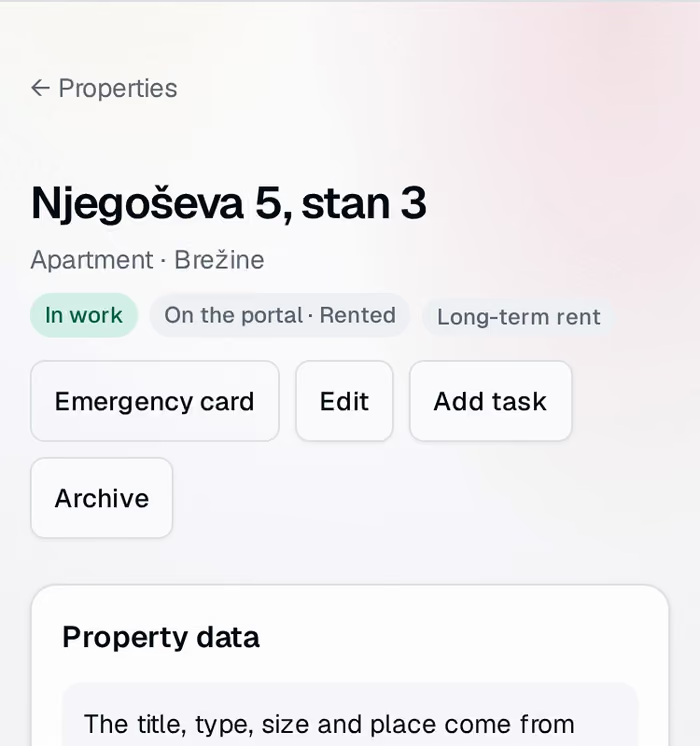
A recording of the lease card: the owner taps Mark as rented, and the listing changes to Rented.

5thof the month

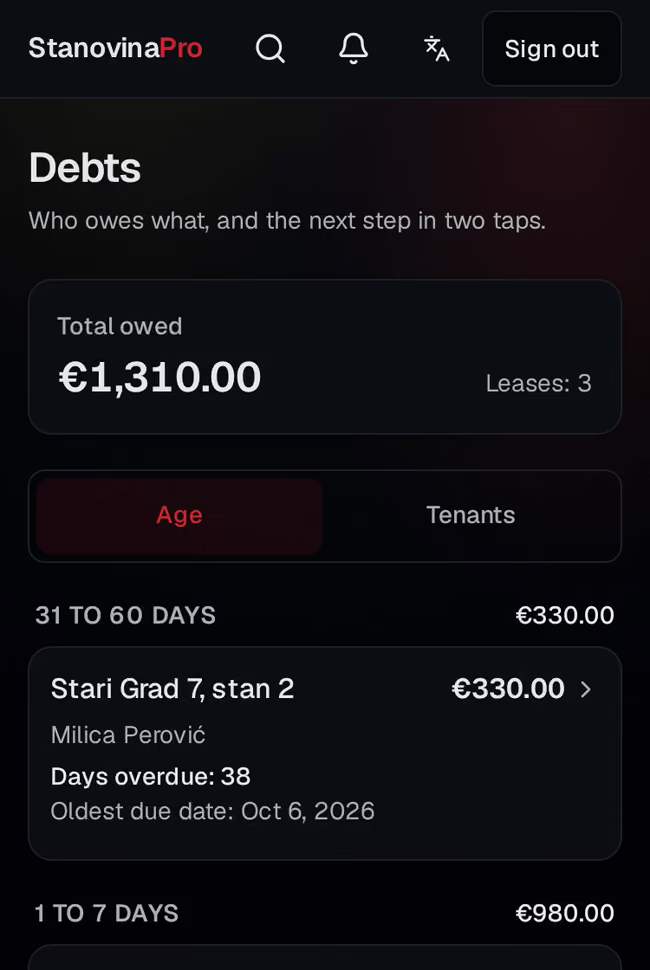
Who paid, who owes.

Late rent comes first, with the reminder text ready.
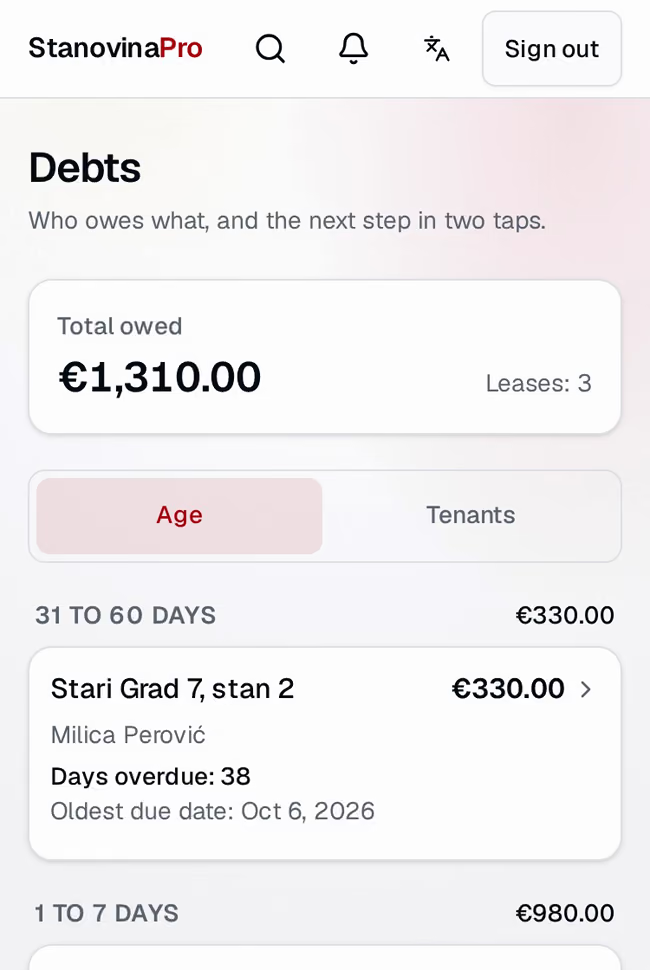
A recording of the rent roll: the owner taps Received on a late rent, and the cell turns to paid.

Check the price, go live again.

Pro shows what will go public, you tap once, and the listing is Active again.

A recording of a lease that has ended: the check of title, price and photos, then Publish, and the listing is Active again.A recording of a lease that has ended: the check of title, price and photos, then Publish, and the listing is Active again.

An agent leaves. The work stays.

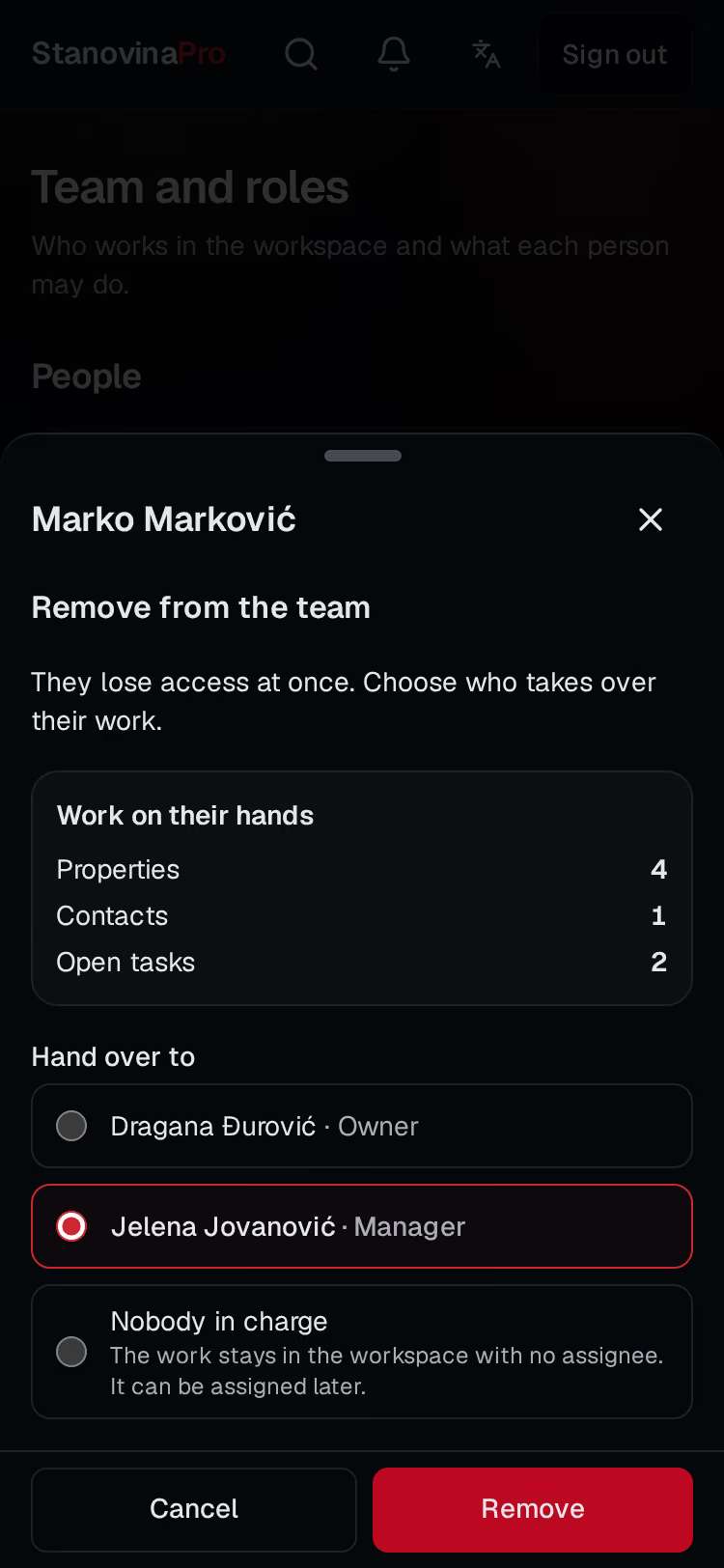
Before you remove someone, you choose who takes their objects, contacts and tasks.

Roles
Roles decide who sees the money and who edits.
The trail
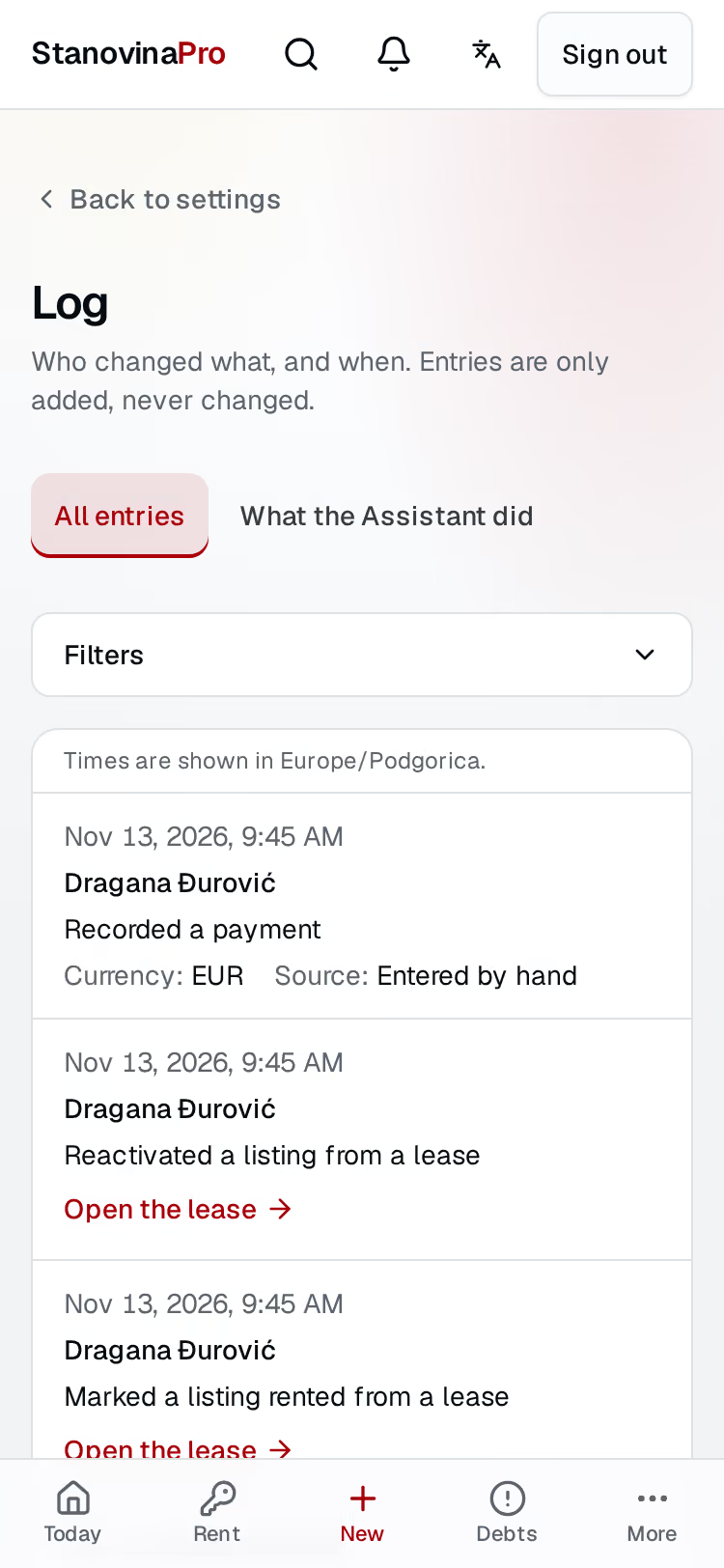
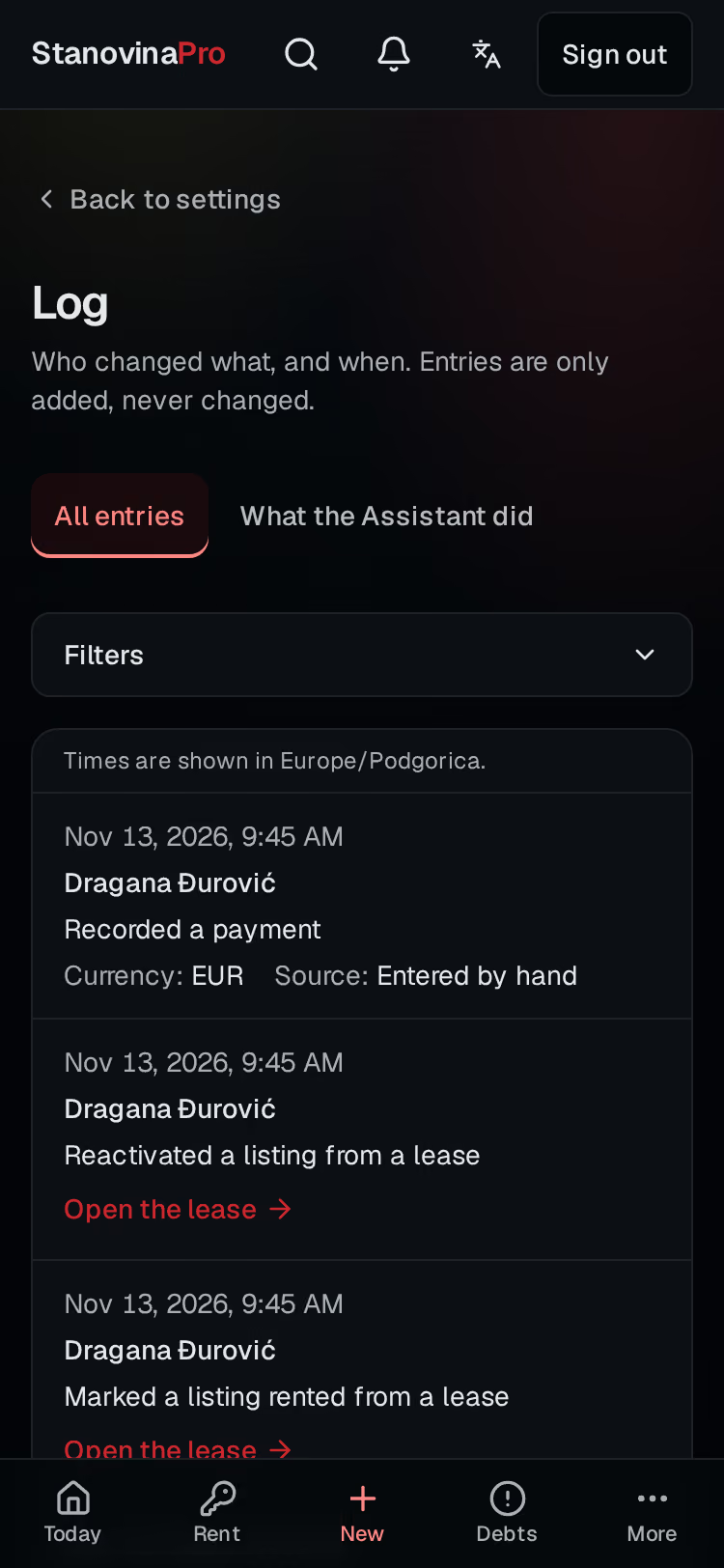
Every change is recorded, with who made it and when.
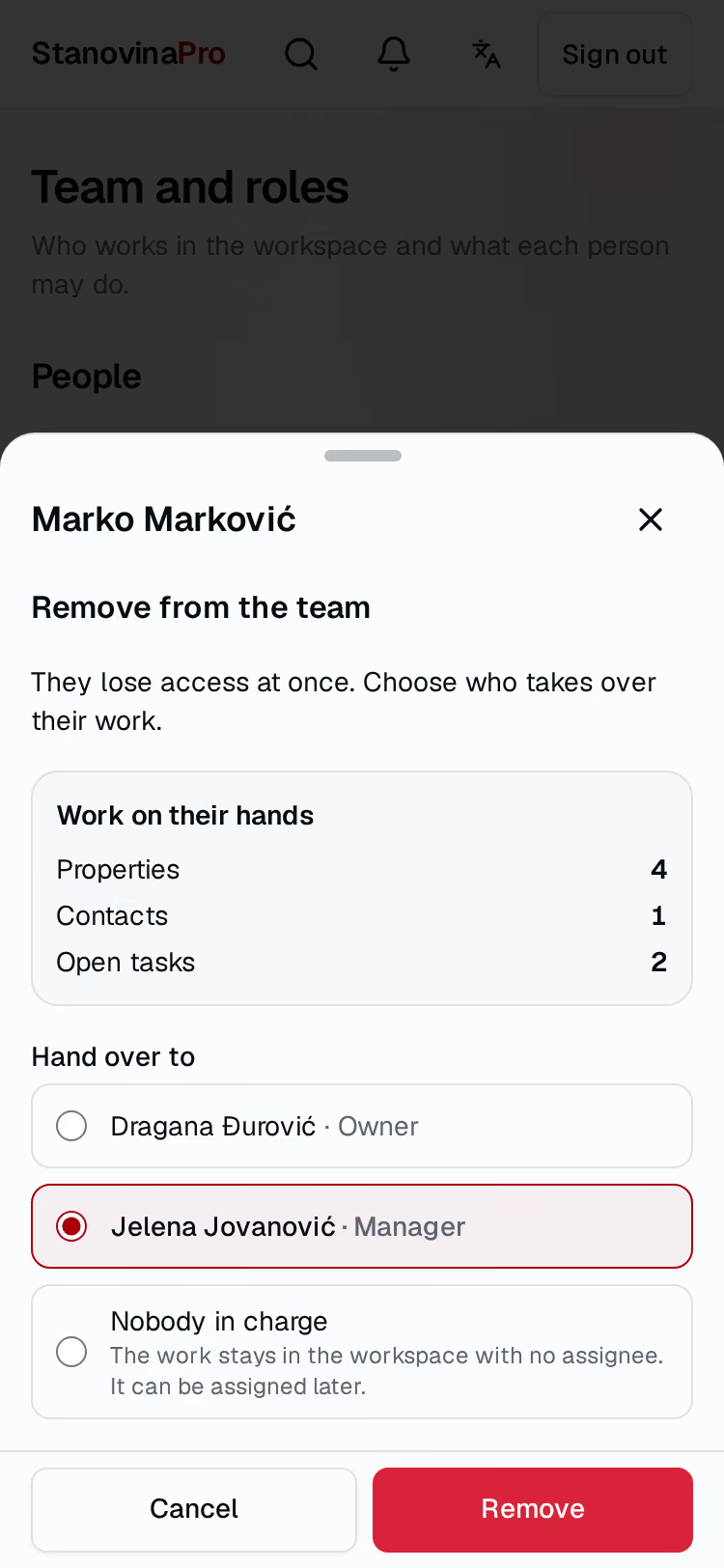
The window for removing a team member: what the person holds, the colleagues who can take it, and the confirm button.The window for removing a team member: what the person holds, the colleagues who can take it, and the confirm button.
The trail of changes in the workspace: what was done, by whom and when.The trail of changes in the workspace: what was done, by whom and when.

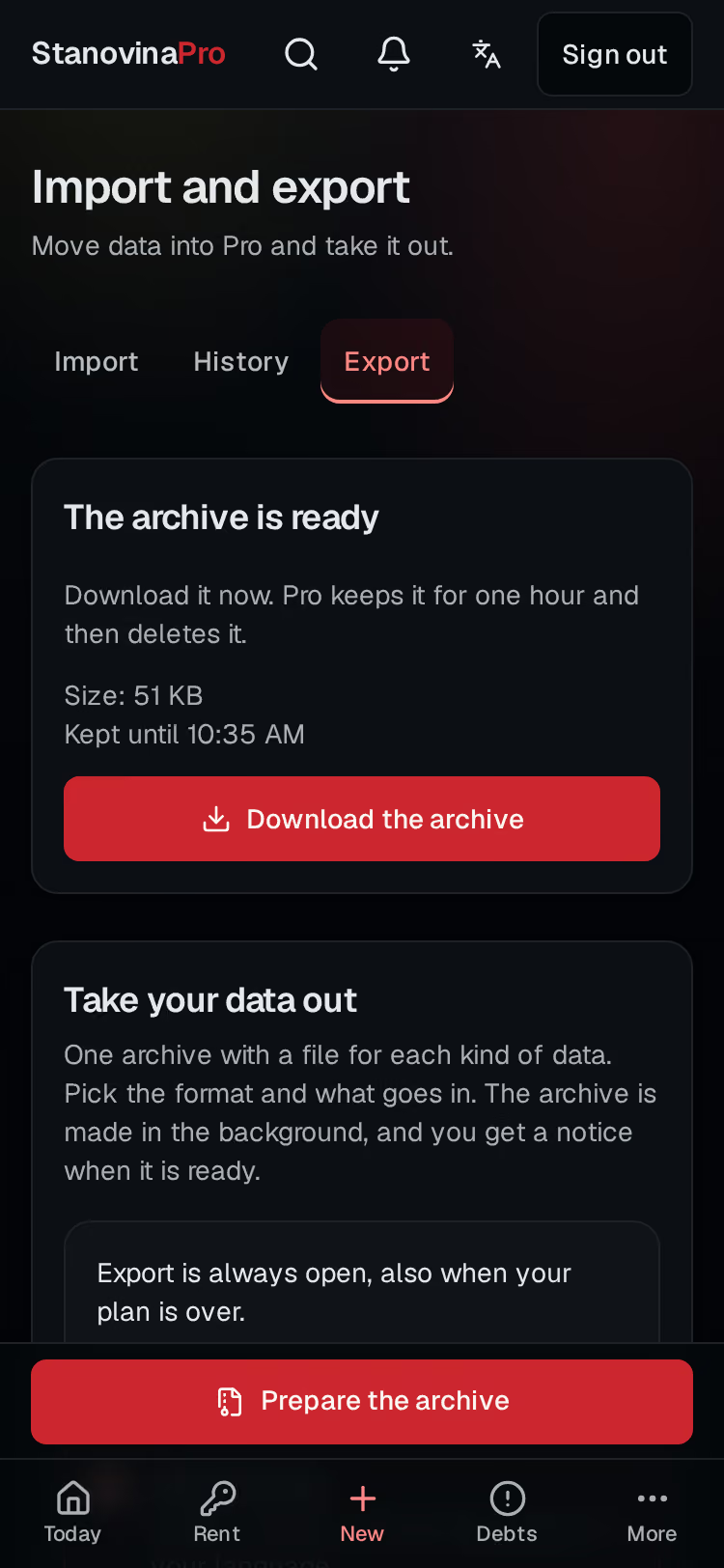
Your data stays yours.

Export CSV or XLSX at any time, also after the plan ends.
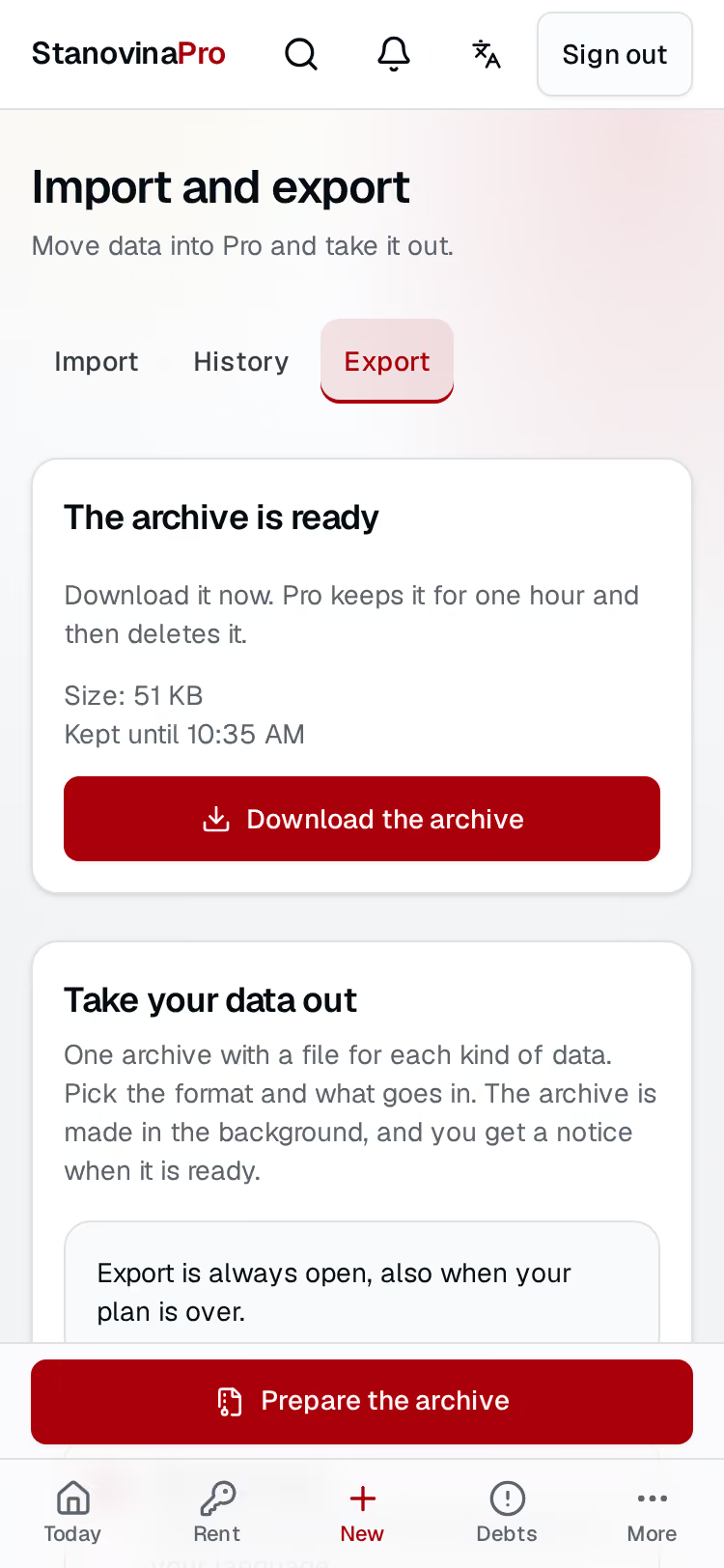
The Export tab: the choice of data, the button to ask for an archive, and a finished archive ready to download.The Export tab: the choice of data, the button to ask for an archive, and a finished archive ready to download.

Start free

The first 5 objects in work are free. The plan and its terms are in the workspace.